
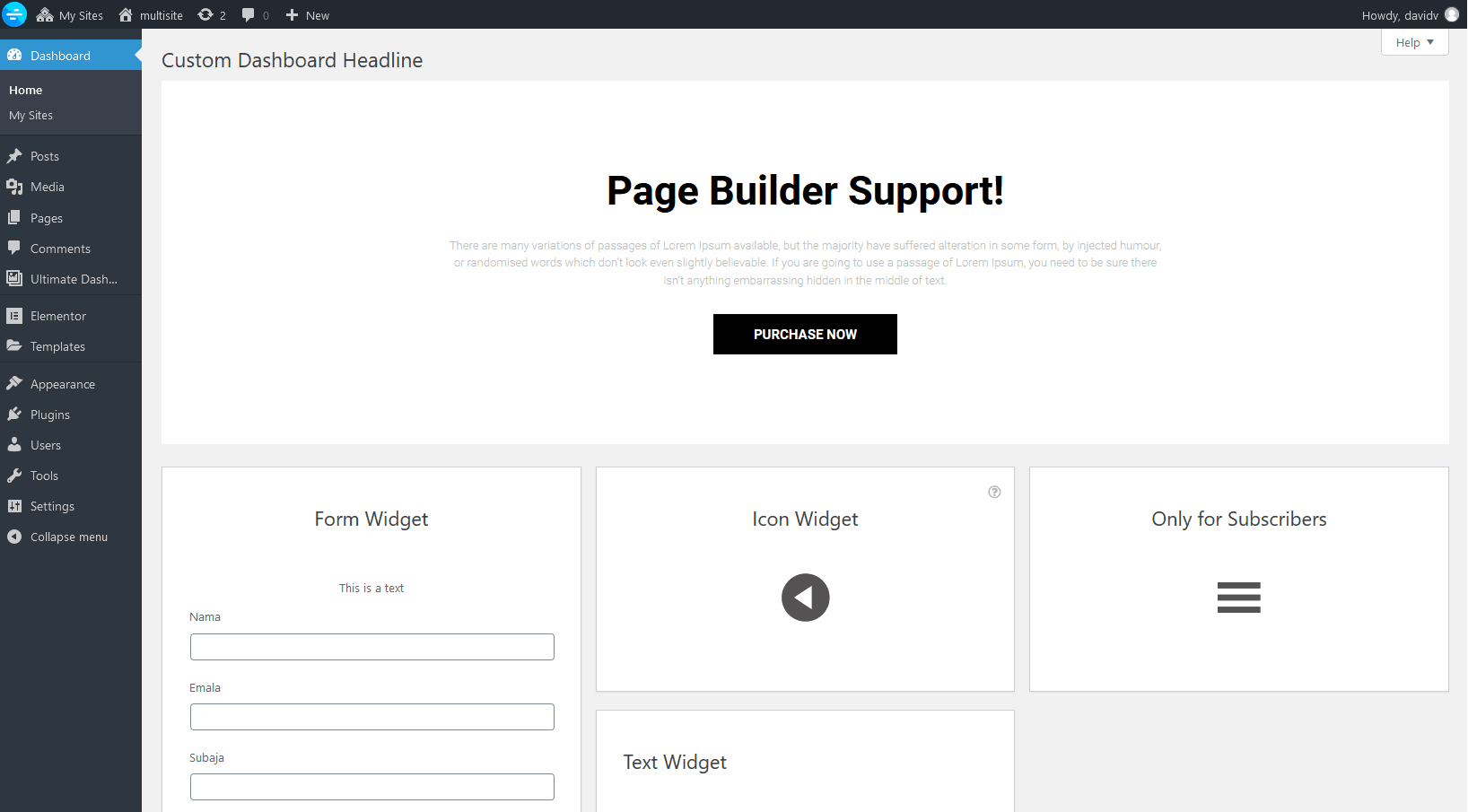
Ultimate Dashboard PRO allows you to expand or fully replace your dashboard with a saved page builder template.
Currently supported page builders:
- Block Editor (Gutenberg)
- Beaver Builder
- Elementor
- Bricks Builder
- Oxygen (Beta)
- Breakdance
- Brizy
- Divi
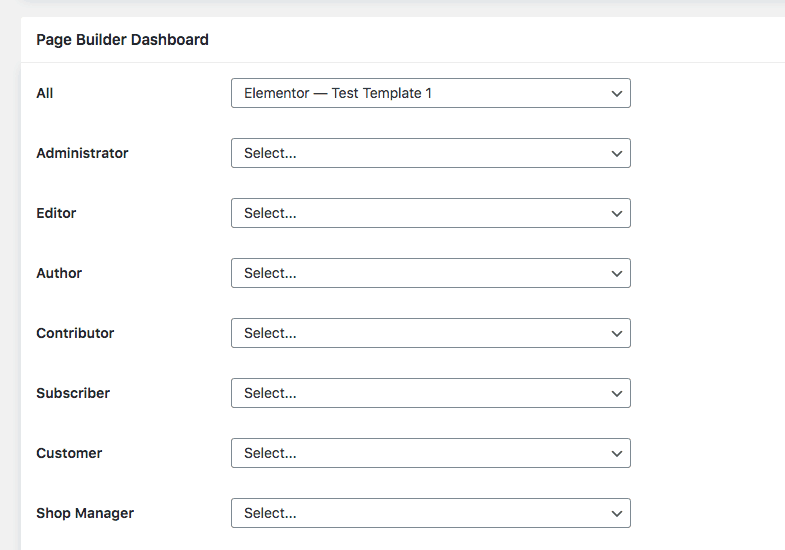
You can specify a different template for each user role for maximum flexibility.
Block Editor Templates
To add and manage Block Editor (Gutenberg) templates, navigate to Ultimate Dash → Settings → Page Builder Dashboard and scroll to the bottom of the page.
There, you can manage your existing Block Editor templates or create new ones, which you can then select from the dropdown menus above.

The selected template is missing or doesn’t show up on the WordPress dashboard
If the selected template won’t show up on your WordPress dashboard, that’s usually because you are hiding WordPress admin notices via a php code snippet or custom CSS.
Our Page Builder Dashboard feature relies on the admin_notices system in WordPress. We use that to display the selected template on the WordPress dashboard and across all sites on a multisite network.
To remove admin notices properly, please have a look from this article from our documentation. Here we explain how to hide all admin notices with CSS, without affecting our Page Builder Dashboard feature.
