
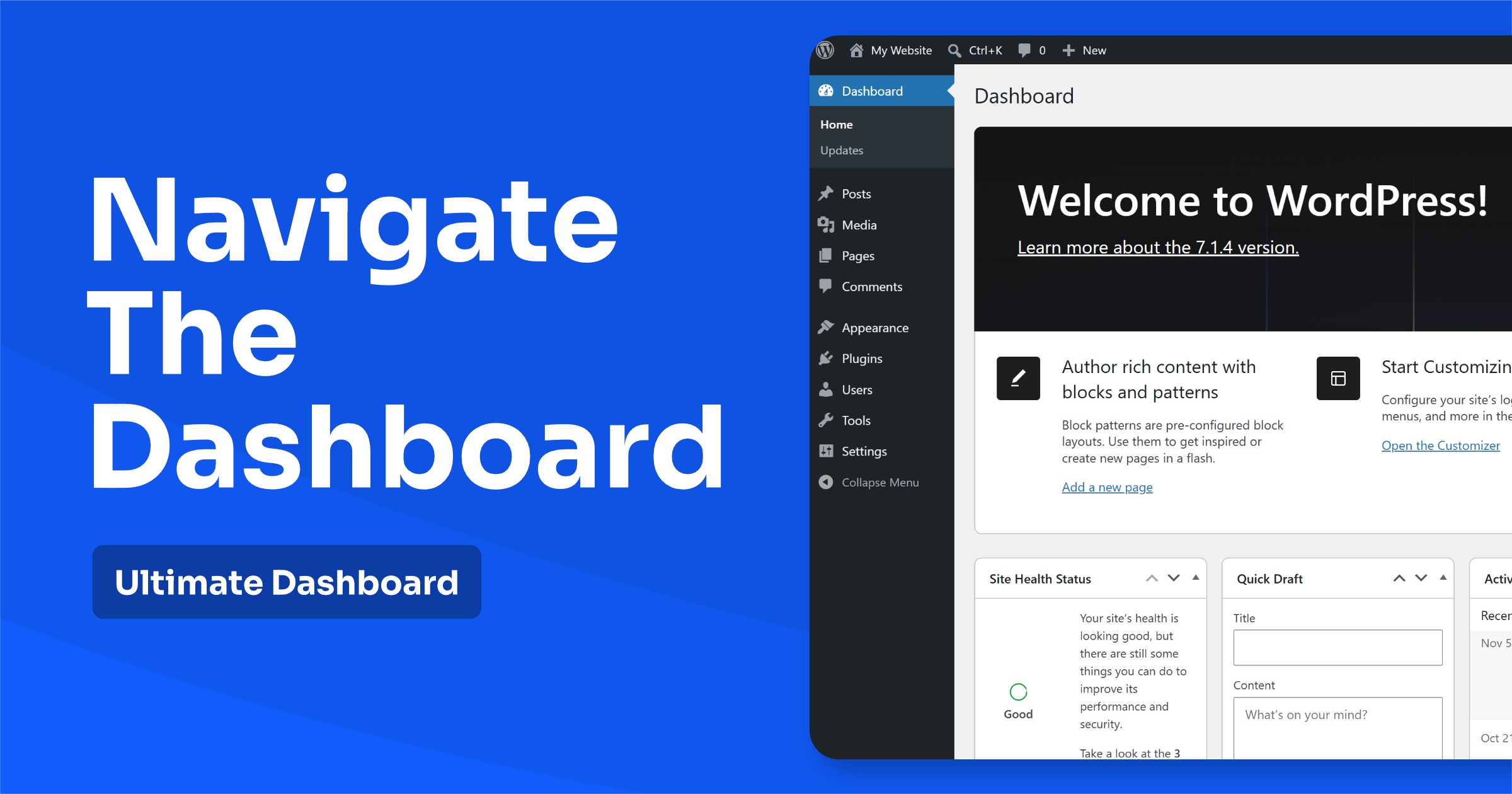
WordPress is one of the most popular content management systems (CMS) in the world. One of the reasons for its popularity is that it’s relatively easy to use, even for people who are new to website design and development. However, if you’re new to WordPress,…
News & Tutorials
Tips, tutorials and news around Ultimate Dashboard and the WordPress admin.
Bricks Builder Support for Ultimate Dashboard PRO
Hey everyone, We are excited to announce that the latest release of Ultimate Dashboard PRO now supports Bricks Builder! This integration allows you to use Bricks to create custom admin pages and completely customize your WordPress dashboard. With the integration of Bricks Builder, Ultimate Dashboard…
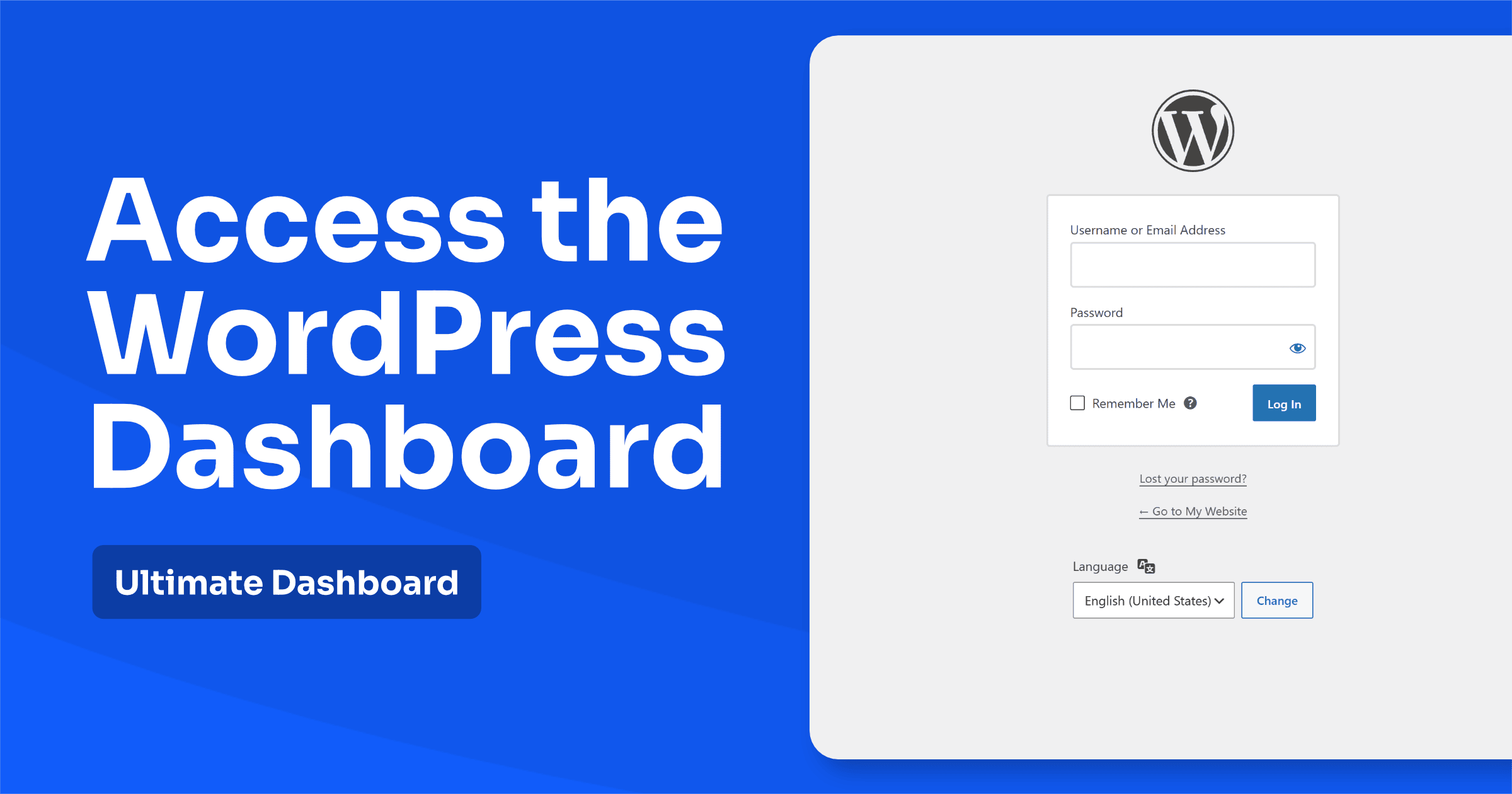
How to Access the WordPress Dashboard (And What to Do If You Can’t)
The WordPress dashboard is where you manage everything on your website: posts, pages, images, design, plugins and settings. But if you’ve just set up WordPress, or someone else built your site for you, finding your way in isn’t always obvious. Here’s how to access the…

Erident Custom Login & Dashboard is now Ultimate Dashboard
Edit (21.07.2022): Caution! Please update the Erident plugin to the latest version (4.2 or above) before running the 1-click migration. The latest version fixes an issue where non-admins were able to trigger the migration process which then failed to install Ultimate Dashboard. If that’s been…
Ultimate Dashboard vs. White Label CMS: Which WordPress White Label Plugin Is Best?
If you build WordPress websites for clients, a white-labeled admin area makes your work look more professional and keeps clients from getting lost. Two of the most popular plugins for this are Ultimate Dashboard and White Label CMS. In this comparison, I’ll go through the…
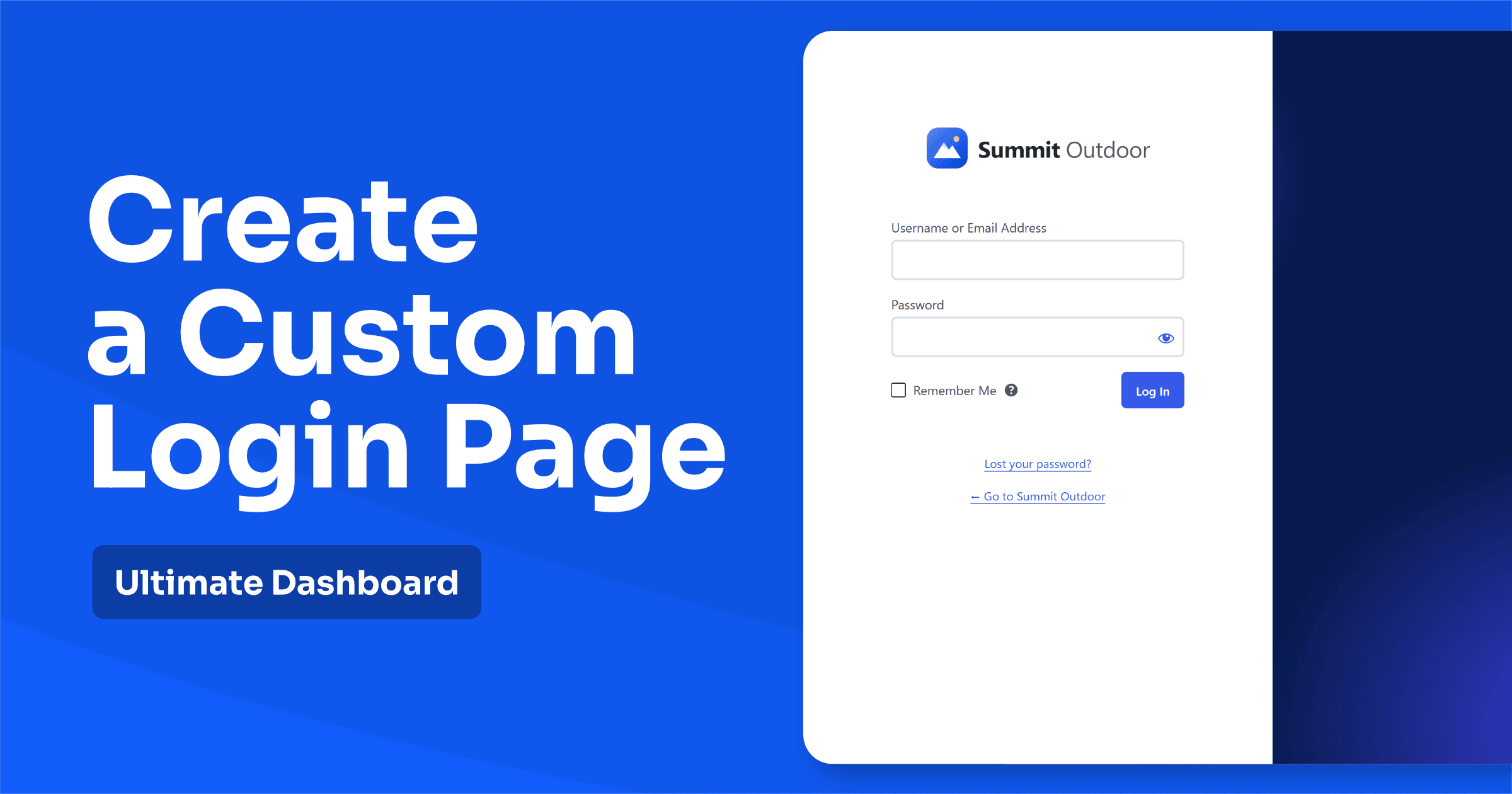
How to Create a Custom WordPress Login Page (Free, No Code)
The default WordPress login page looks the same on millions of websites: a WordPress logo, a plain white box and a grey background. For your own site, that’s fine. For a client site or a membership site, it looks unfinished. A custom WordPress login page…
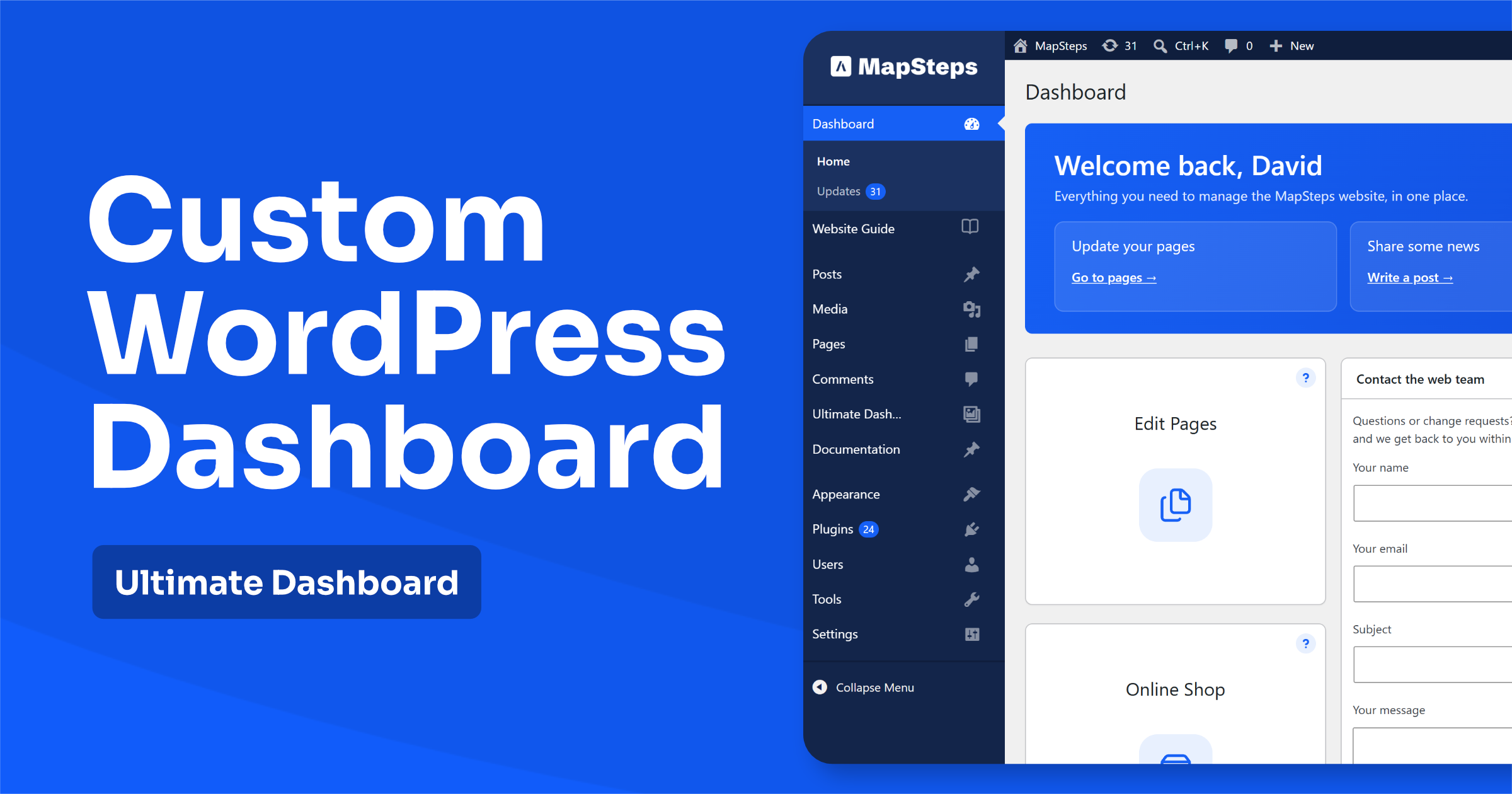
How to Create a Custom WordPress Admin Dashboard (Step by Step)
The WordPress dashboard is the first screen you and your clients see after logging in. Out of the box, it’s full of things most people don’t need: WordPress news, plugin notices, quick drafts and a widget from almost every plugin you’ve installed. A custom WordPress…
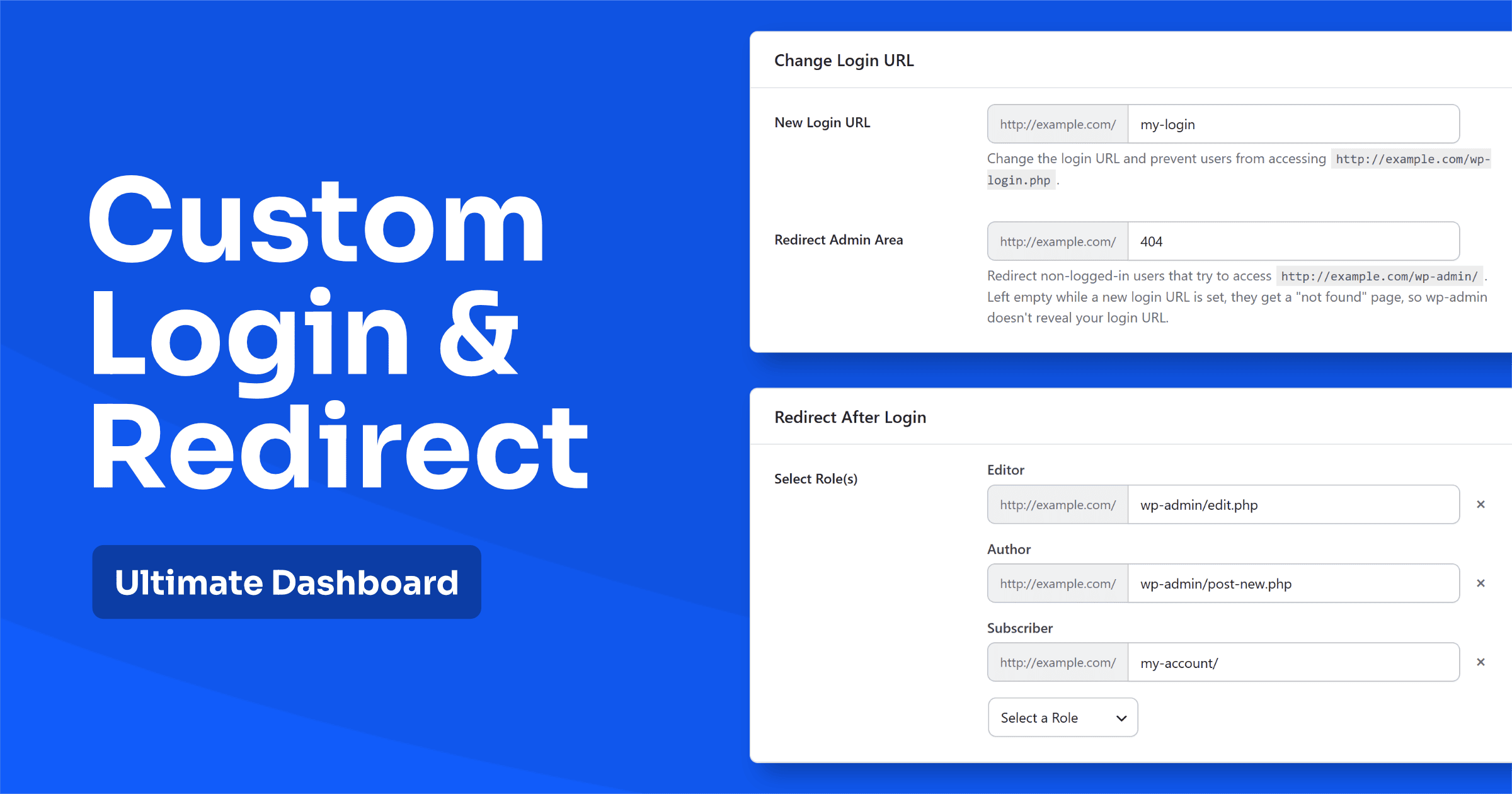
How to Change the WordPress Login URL, Hide wp-admin & Redirect After Login
Every WordPress site has its login page at the same address: /wp-login.php. And anyone who types /wp-admin/ after your domain gets sent straight to it. Bots know this too, which is why login pages get hammered with automated password guesses around the clock. In this…