
Ultimate Dashboard 4.0 is here! This is the biggest update since we first released the plugin. We went through every single screen, every setting and every line of code, and rebuilt the parts that needed it.
The result: a plugin that looks better, is easier to use and is more secure than ever. And the best part? All of your widgets, admin pages and settings carry over. Just update and you’re good to go.
Let’s take a look at what’s new.
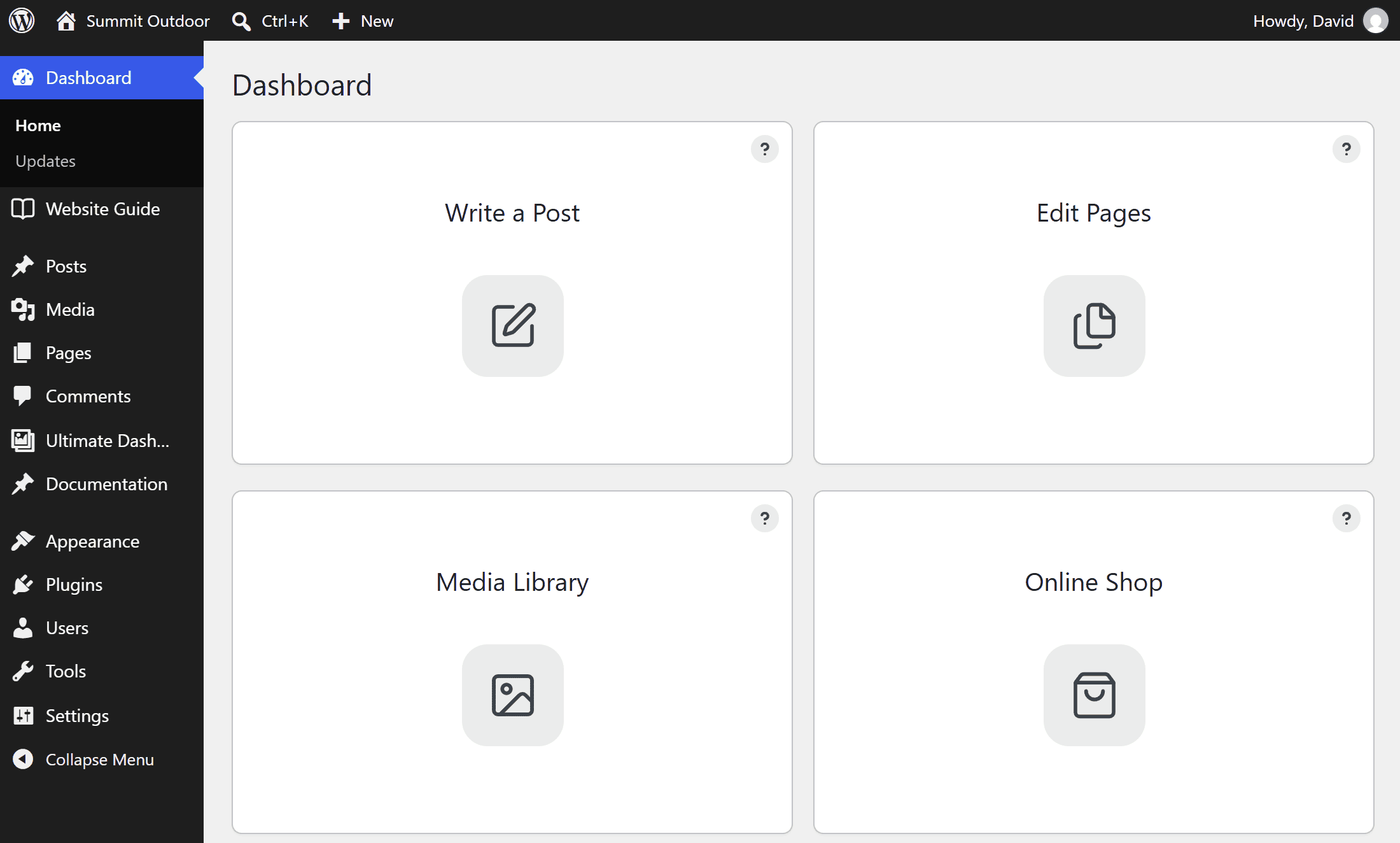
A Fresh New Look
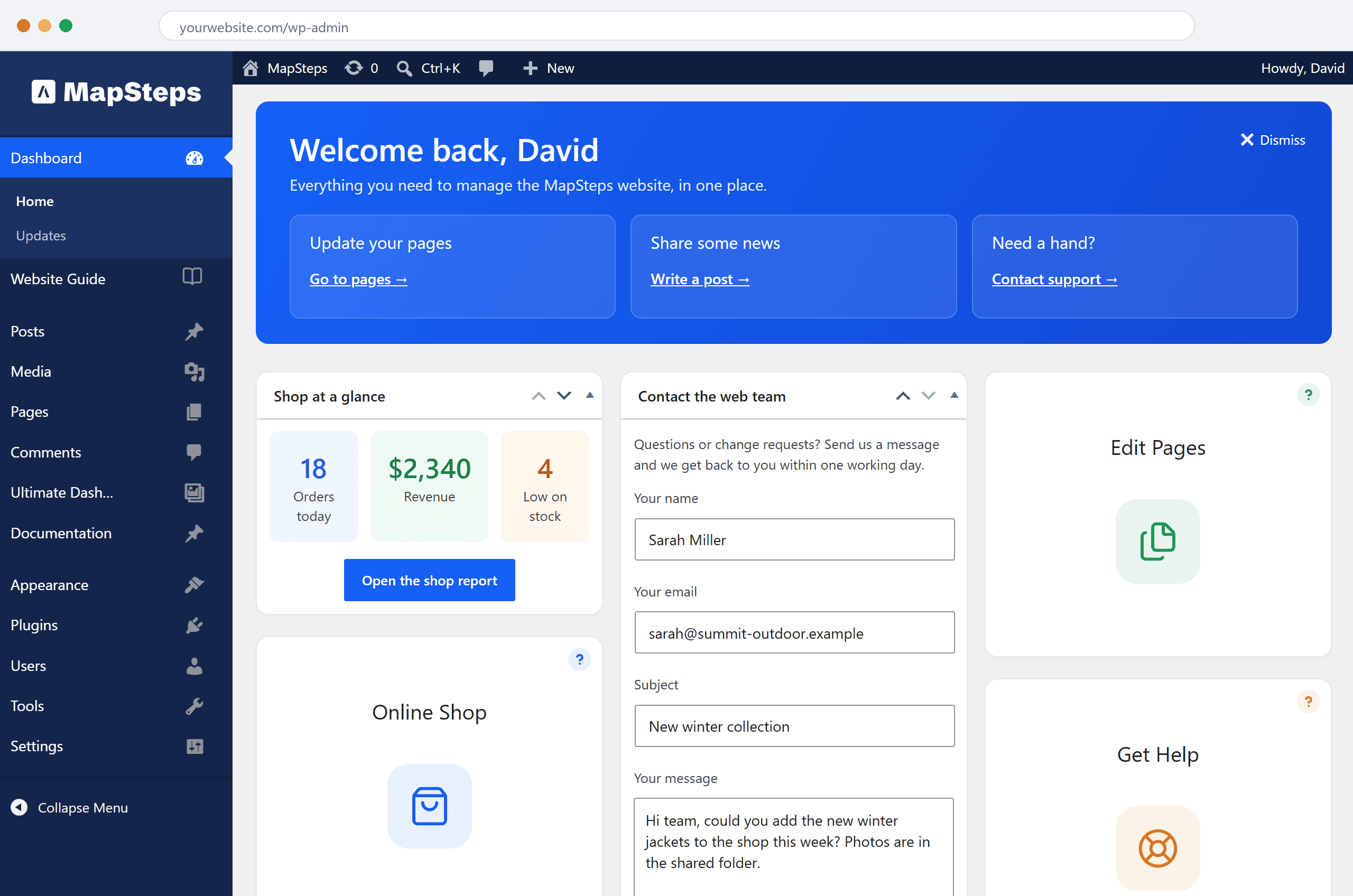
Every Ultimate Dashboard screen got a new design. Settings are grouped into clean, easy-to-scan boxes, so you find what you’re looking for right away. Everything feels calmer and more like a natural part of WordPress.
The new design also works on phones and tablets. So if you ever need to change a setting on the go, you can.
A New Icon Picker With 2,000+ Icons
Icons are a big part of a good-looking dashboard. That’s why we gave them some extra love in this release.
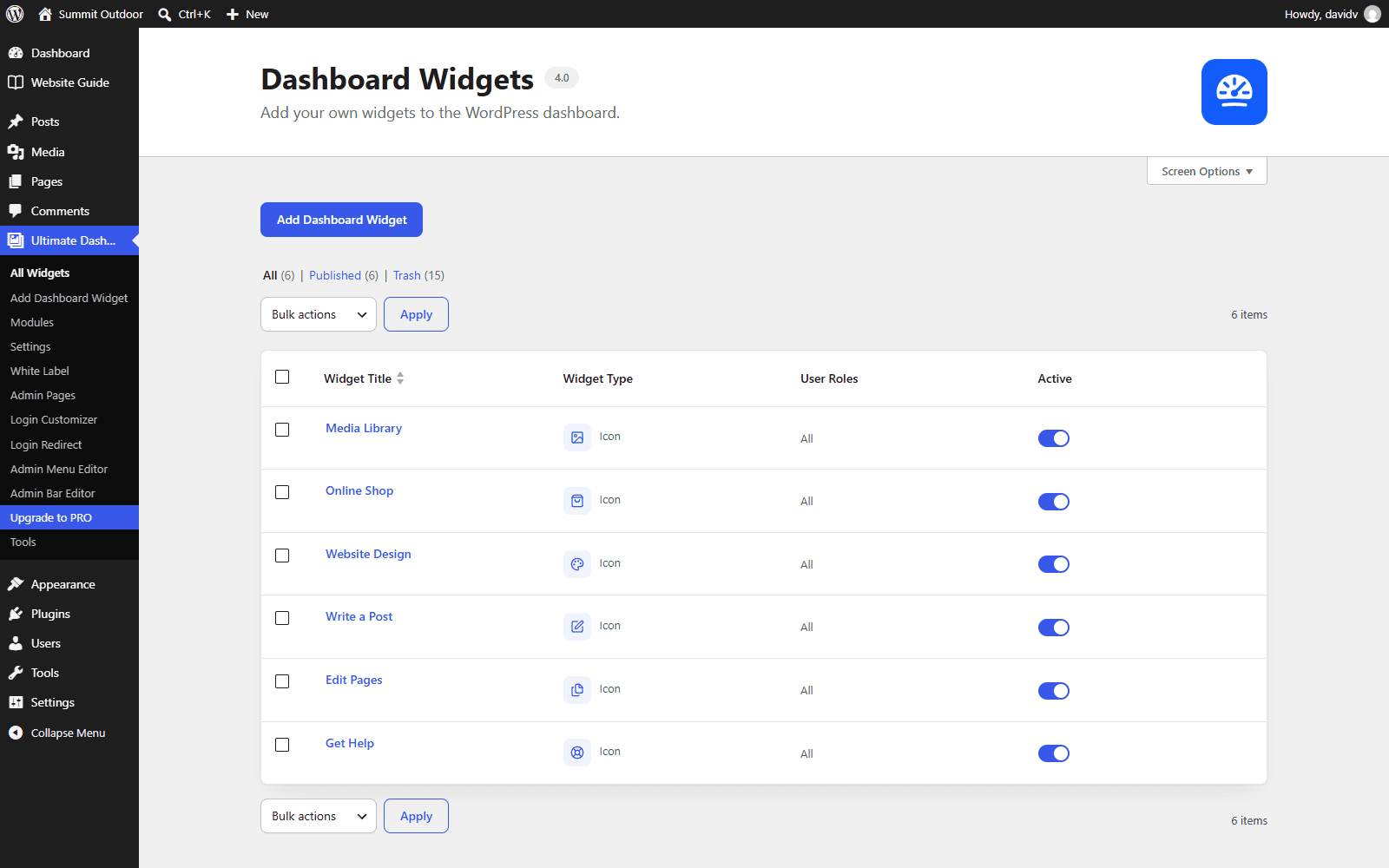
Ultimate Dashboard 4.0 comes with more than 2,000 beautiful Lucide icons, in place of Font Awesome. WordPress’ own icons are still there too. A new icon picker makes it easy to find the right one: just search, click and you’re done.
You’ll find the icon picker everywhere you can choose an icon: in icon widgets, in admin pages and, with PRO, in the Admin Menu Editor and Admin Bar Editor.
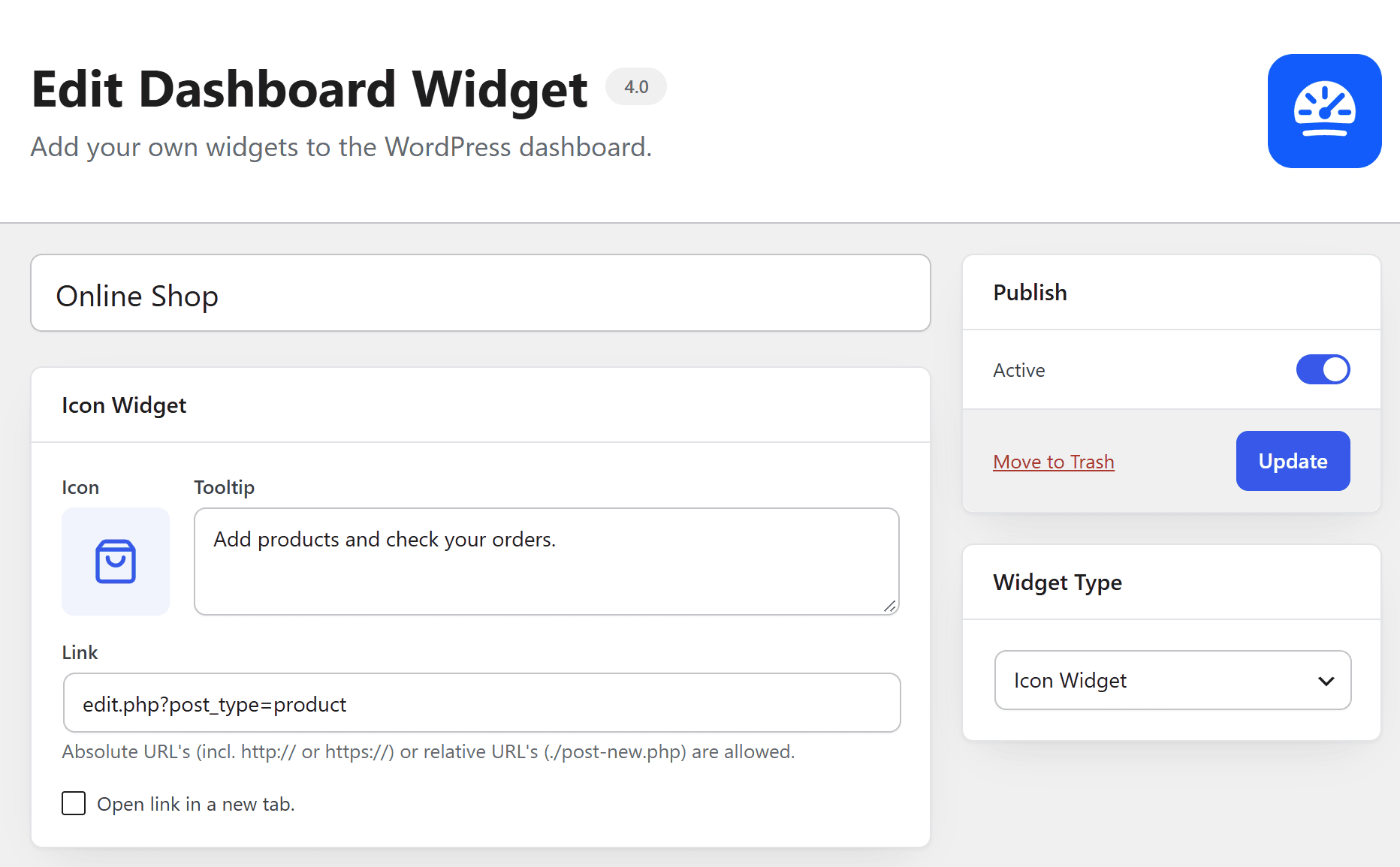
Already using icons? No worries. Every icon you picked before is automatically switched to the closest new one.
Icon Widgets With a Splash of Color
Icon widgets now show their icon in a soft color chip, tinted with the icon color you choose. It’s a small touch, but it makes your dashboard look polished and friendly.
A Simpler Setup Wizard
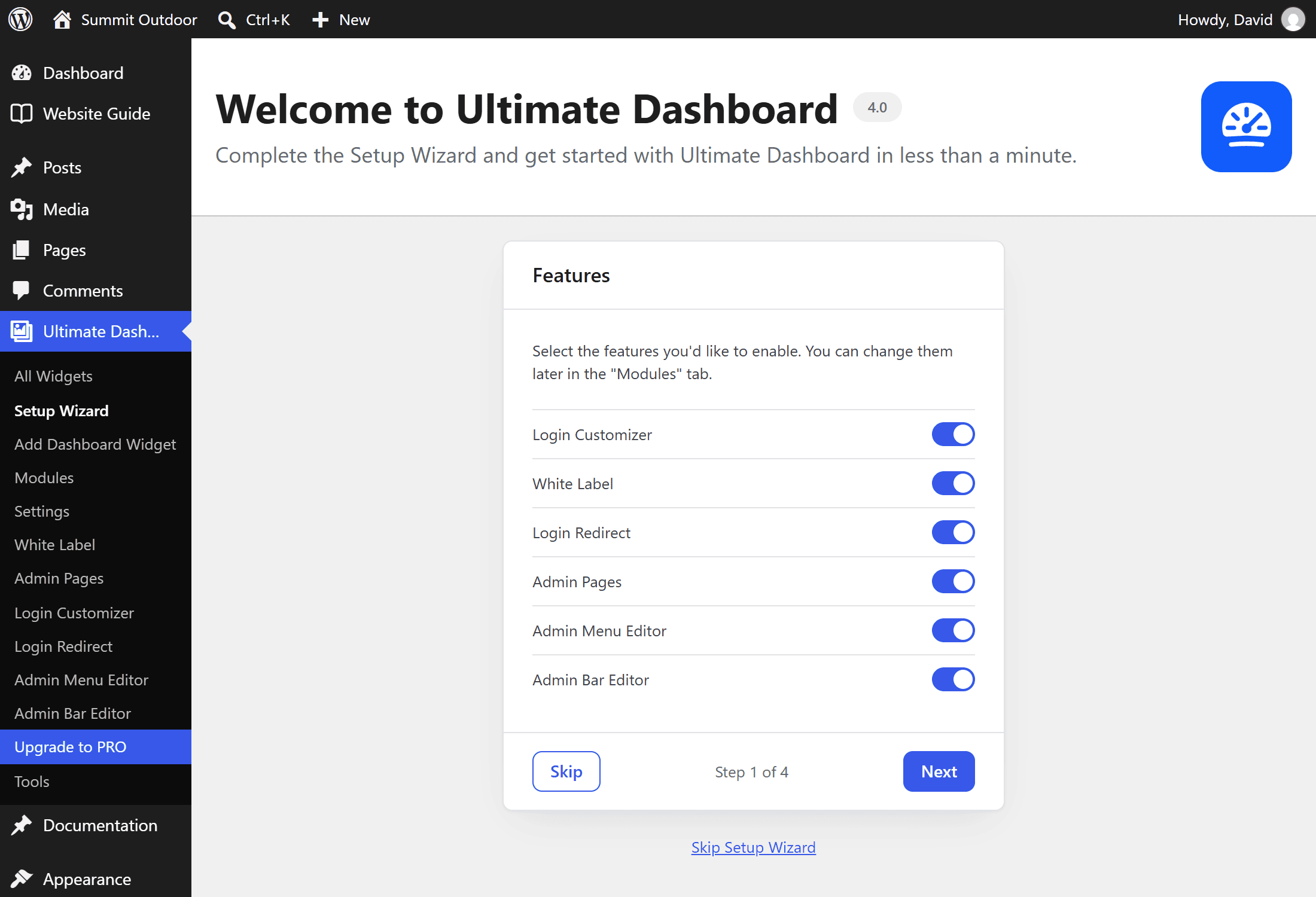
Before, new users went through two separate screens to get started. In Ultimate Dashboard 4, there’s just one setup wizard. It walks you through the basics in a few clicks, so you can start building your custom dashboard right away.
Safer Login Pages
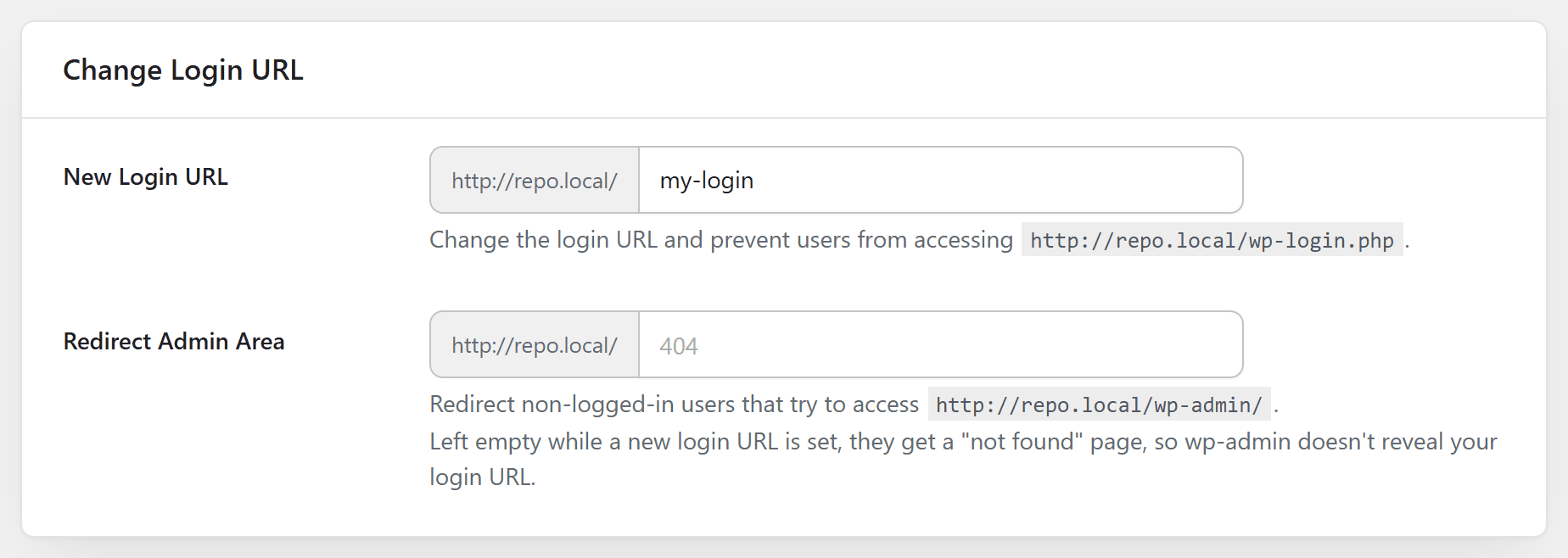
Many of you use Ultimate Dashboard to change the WordPress login URL and keep bots away from wp-login.php. So we took a close look at the Login Redirect module and made it a lot tougher:
- /wp-admin/ now shows a “not found” page while a custom login URL is set, so it no longer gives away where your login page is.
- Login URLs that clash with an existing page on your site are refused.
- We fixed several ways the custom login URL could be found or skipped. A big thank you to the security researchers who reported them.
- Role-based redirects no longer send users somewhere else when they asked for a specific page.
On top of that, the Login Customizer preview now matches the WordPress 7.1 login screen, so what you see is what your users get.
Lots of Fixes Under the Hood
Not every improvement is something you can see. While rebuilding the plugin, we also fixed a long list of smaller issues. A few highlights:
- Admin pages no longer show up in sitemaps and search engines.
- Lists and images in admin pages made with the default editor now look right.
- Changes to the welcome panel made in the Text tab are no longer lost.
- Export and import no longer save your data twice.
- “Remove Data on Uninstall” now really cleans up after itself, and only when you delete the plugin.
You can find the full list in the changelog.
What About Ultimate Dashboard PRO?
Ultimate Dashboard PRO 4.0 is out too, and it got the same treatment. Here’s what’s new:
- The new look: all PRO settings share the fresh new design, so everything feels like one plugin.
- Security: we reviewed every PRO feature and fixed several security issues along the way.
- Faster user search: wherever you pick users, results now show up as you type. No more waiting on sites with lots of users.
- A nicer video widget: a modern play button and clearer settings.
- Admin Menu Editor: admin pages with one of the new icons show that icon in the editor too.
- Admin bar logo: the logo link now supports placeholder tags, like the site URL.
- Multisite: a new option keeps “Lost your password?” on the subsite where your users started it, instead of sending them to the main site.
- A new license page that’s simpler and clearer.
Plus lots of smaller fixes. Update both the free and the PRO version, and you’re all set.
Ultimate Dashboard 4.0 requires PHP 7.4 and WordPress 5.0 or newer.
Update Now
Ultimate Dashboard 4.0 is available right now. Head over to Dashboard → Updates in your WordPress admin, or download it from WordPress.org.
New to Ultimate Dashboard? Our guide on how to create a custom WordPress admin dashboard is a great place to start.
We hope you love it as much as we do. If you have any questions or feedback, just get in touch. We’d love to hear from you!
Leave a Reply
You must be logged in to post a comment.