
Ultimate Dashboard is modular: every larger feature is a module you can switch on or off. Turn off what you don’t need and its menu item, its settings and its code are gone. That keeps the admin menu tidy and the plugin light.
Turn modules on or off
- Go to Ultimate Dash… → Modules.
- Click the switch of a module. The change is saved right away, the badge shows Active or Inactive.
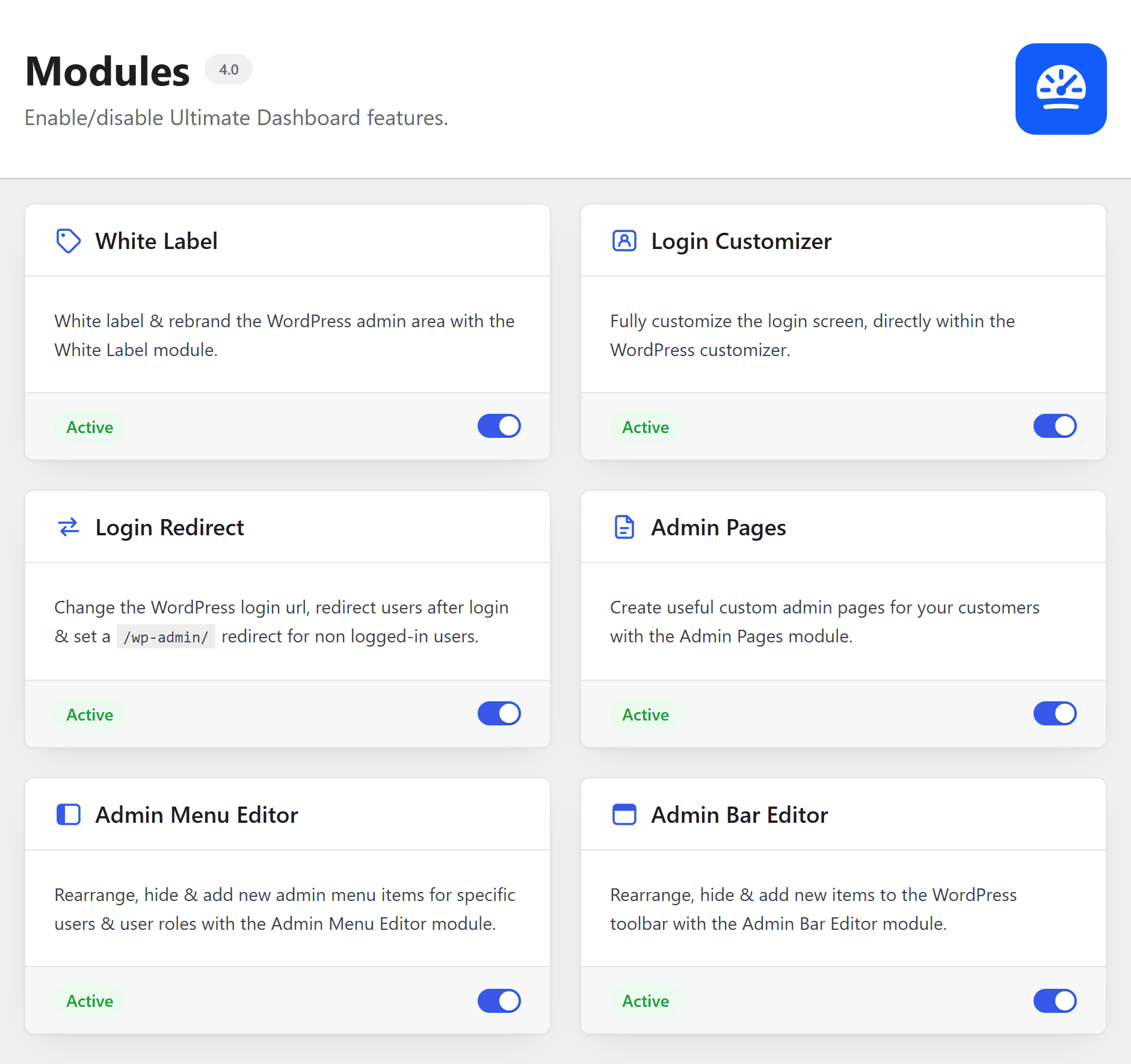
All modules are on after installing the plugin. Reload the page to see the admin menu change.
Available modules
- White Label: brand the WordPress admin and change the footer text
- Login Customizer: design the login page
- Login Redirect: change the login URL, hide wp-admin and redirect after login
- Admin Pages: create custom admin pages
- Admin Menu Editor: customize the admin menu
- Admin Bar Editor: customize the admin bar and hide it on the frontend
Dashboard widgets, the settings and export & import are always available.
What happens to my settings?
Nothing. Switching a module off only stops it from running. Your settings stay saved, and everything is back the moment you switch it on again. For example: turn off the Login Customizer and your login page goes back to the WordPress default; turn it on and your design is back.
Turning off Login Redirect also turns off your custom login URL. The login page is then at
wp-login.php again.